

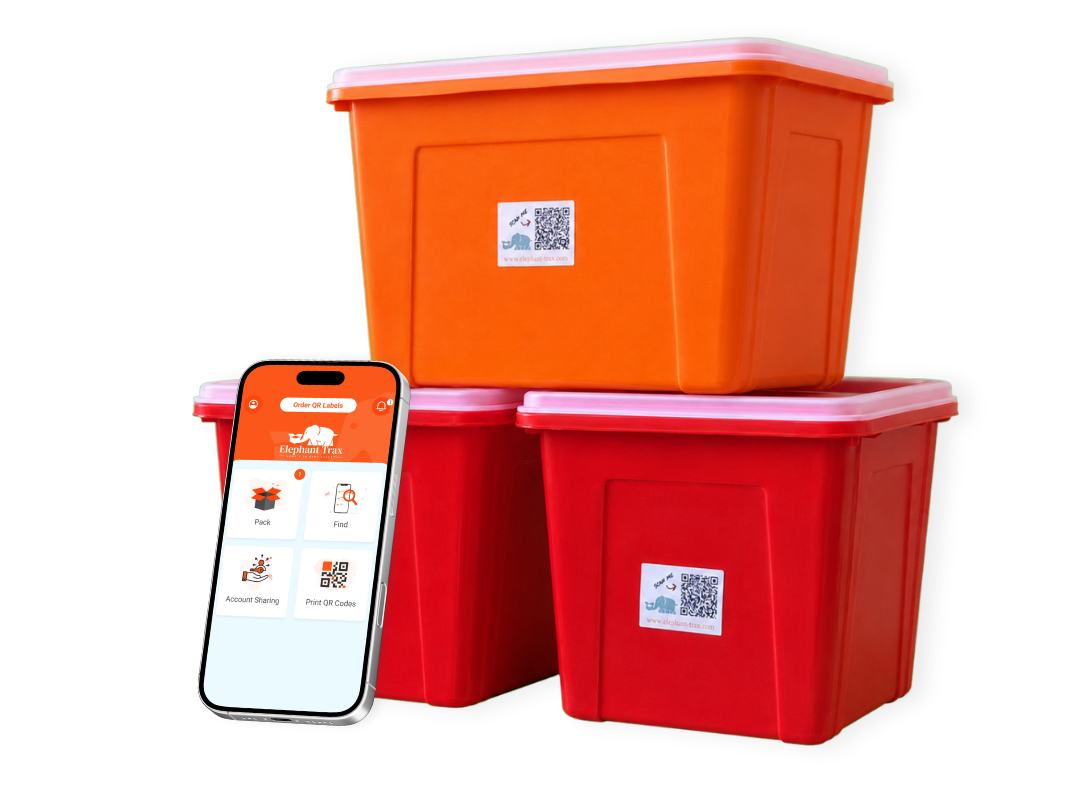
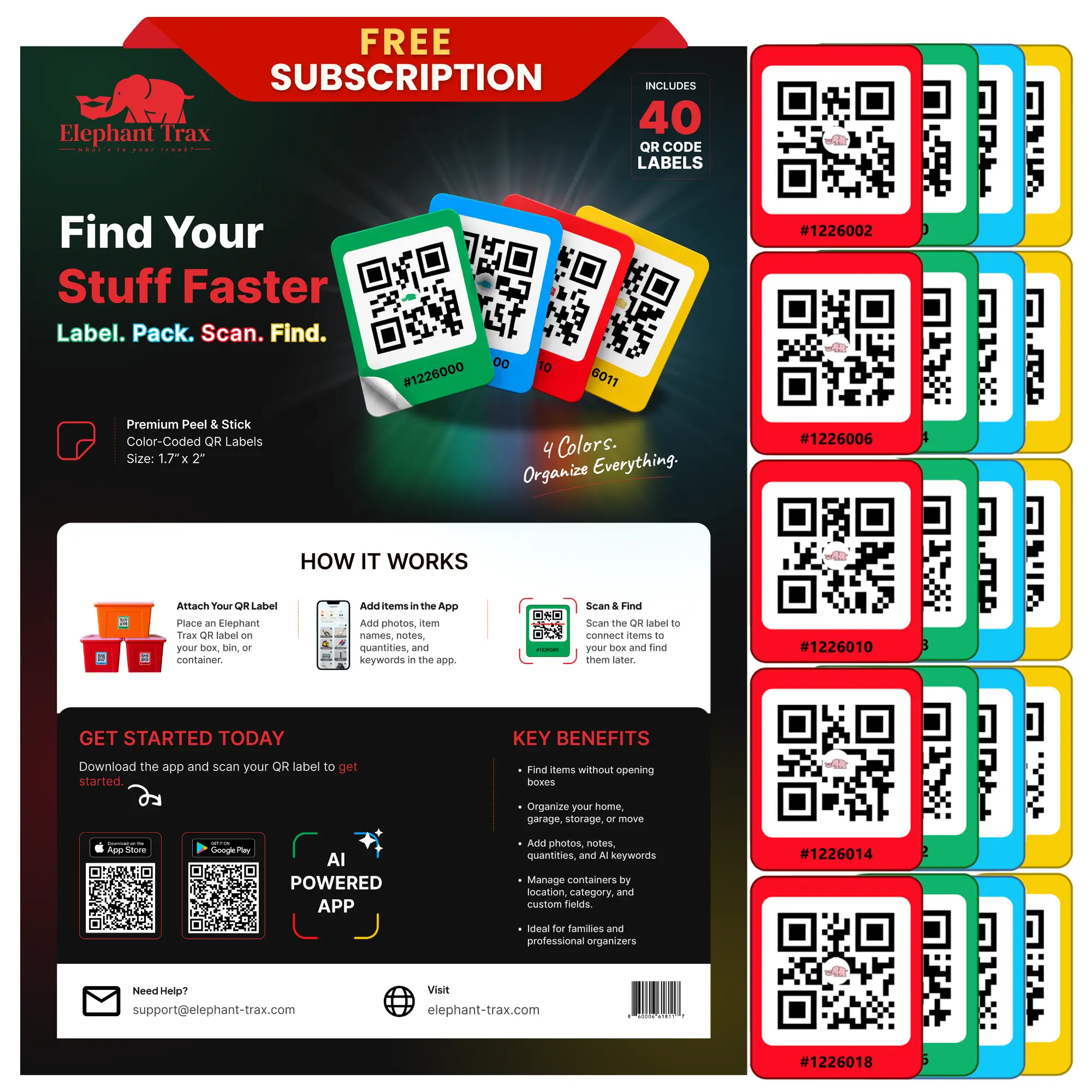
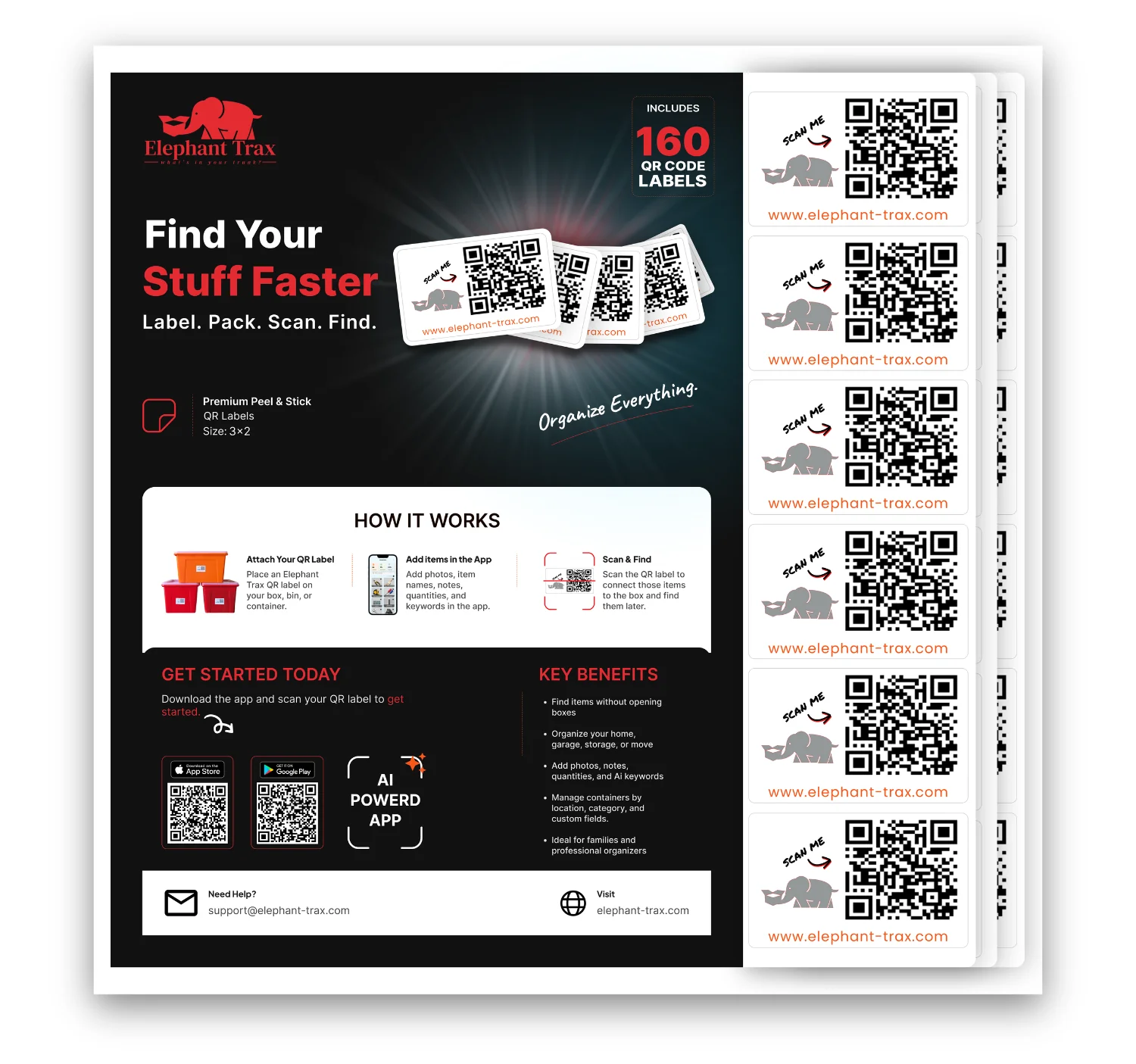







Elephant Trax turns every box, bin, and closet into a searchable inventory. Snap a QR label, name what’s inside, and find anything from your phone — whether it’s at home, in the garage, or in storage across town.
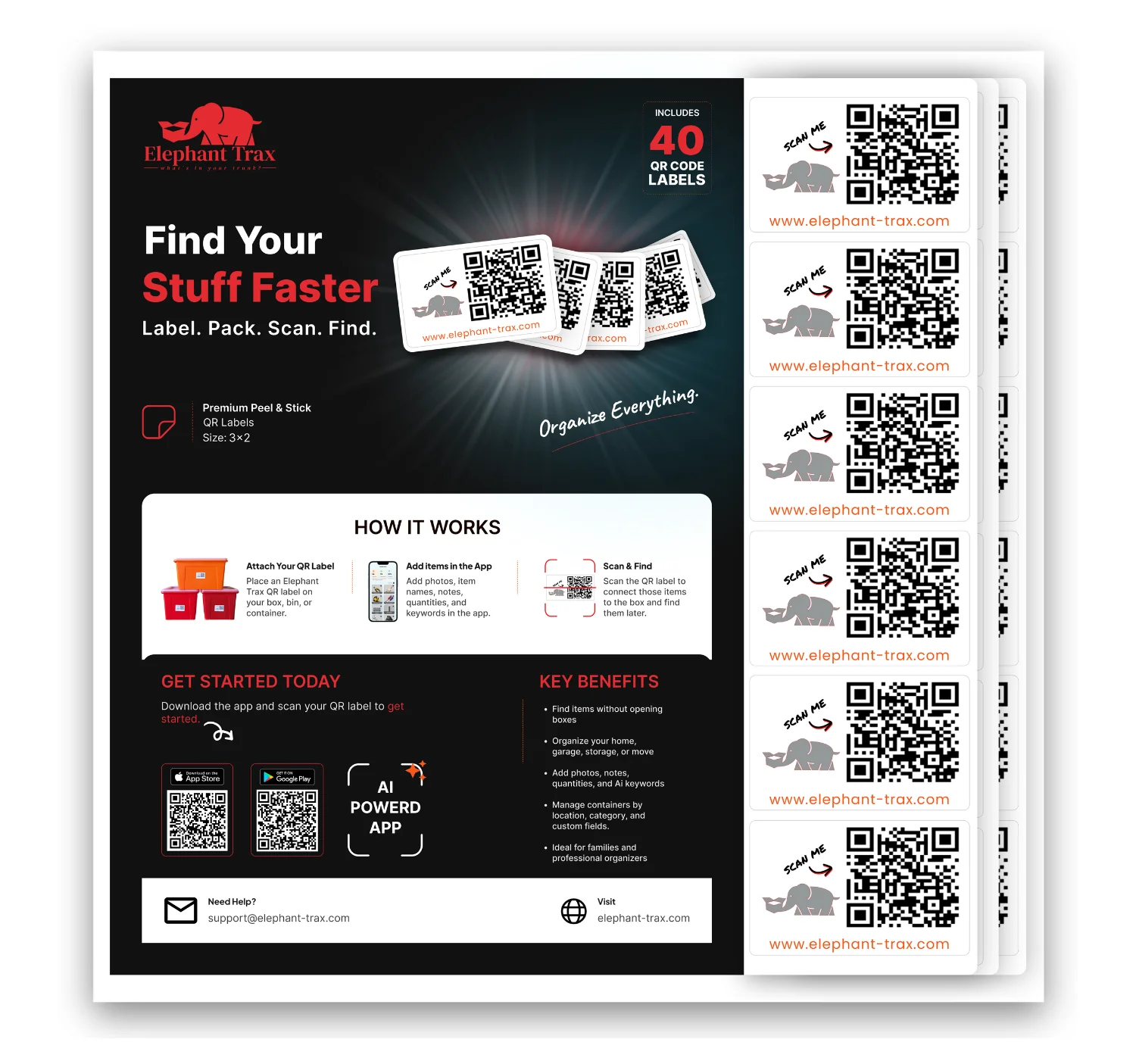
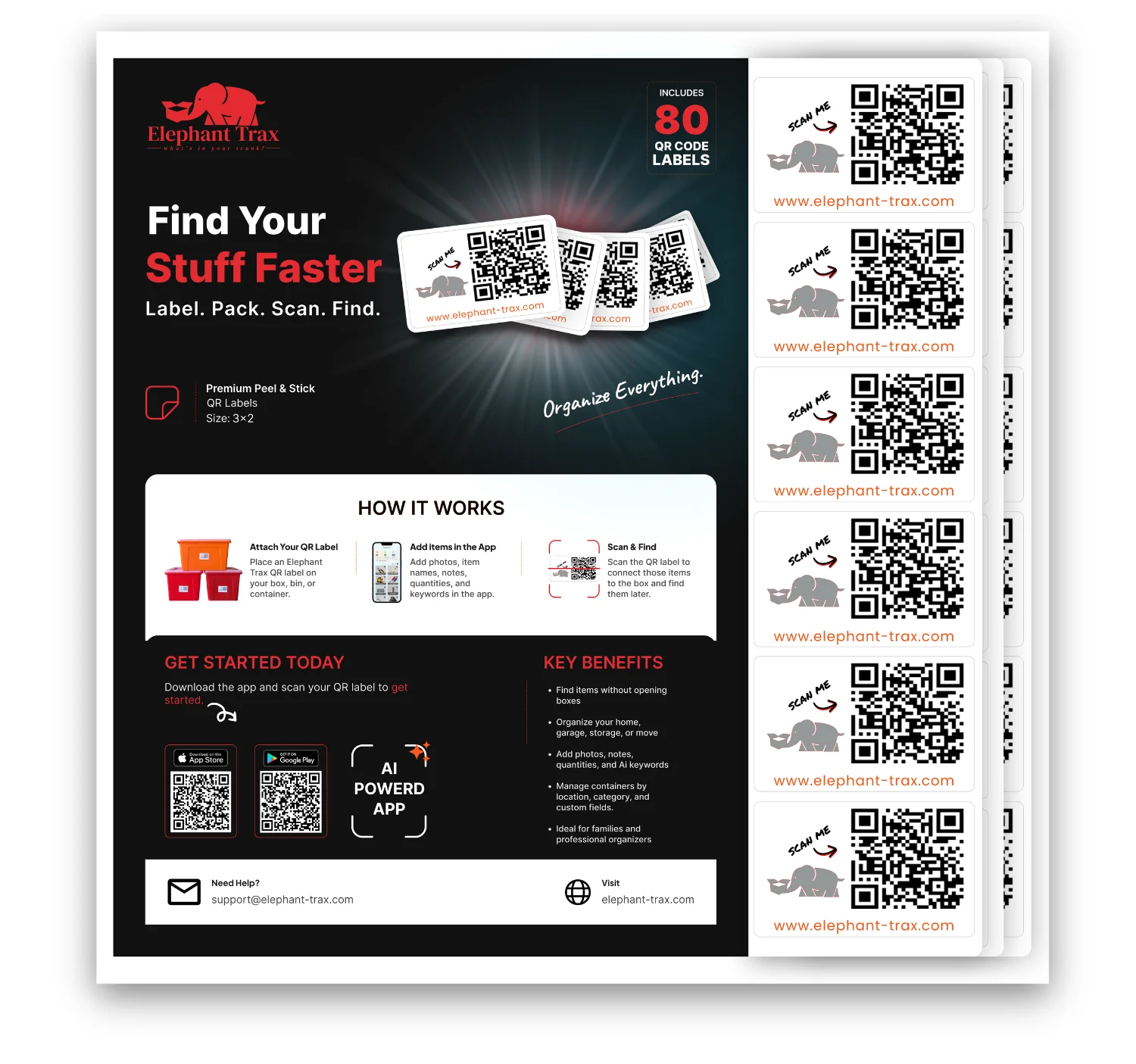
Stick an ElephantTrax QR label on a box or bin, scan it with the app, and add the items stored inside. Later, search your inventory or scan the label to quickly see what’s inside.
Do I need a subscription to use ElephantTrax?
No. ElephantTrax includes a free plan that lets you organize and manage your inventory. Optional Pro features are available for users who need additional capabilities.
Do I need to scan every box to find an item?
No. You can search for an item in the ElephantTrax app and see which box or label it is stored in.
Can I add photos and descriptions of the items inside my boxes?
Yes. You can add photos, item names, descriptions, quantities, keywords, and other information to make your stored items easier to find.
Can multiple people access the same inventory?
Yes. ElephantTrax Pro supports account sharing, making it useful for families, teams, offices, and businesses that manage storage together.
Where can I use ElephantTrax labels?
ElephantTrax is useful for moving boxes, garages, closets, attics, storage units, classrooms, offices, warehouses, and other organization projects.
What happens if I move items from one box to another?
You can update your inventory anytime by adding, removing, or moving items between labels, so your digital inventory stays organized as your storage changes.
Why can’t I see my previous boxes or inventory after logging in?
Your ElephantTrax data is linked to the account and login method you originally used. If you sign in with a different email address or another login method, such as Apple, Google, or Facebook, you may see a different or empty account. Try signing in with the same method and email you used when you first created your ElephantTrax account.